If you get the following error:
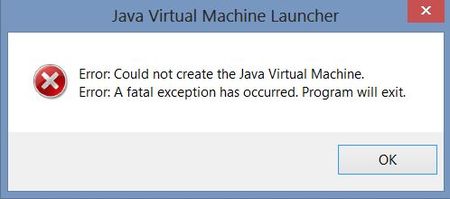
This is caused because you computer has not enough RAM <2GB or too many programs open. To fix this try the following:
- Open the Control Panel
- Go to System
- Go to Advanced Systems Properties
- Then Environment Variables
- In System Variables, click Add
- New Variable Name: _JAVA_OPTIONS
- New Variable Value: -Xmx512M
- Click OK
Comments